Groq
Bundles group provider-specific components that integrate third-party services with SkillFlaw.
This page describes the components that are available in the Groq bundle.
For more information, see the Groq documentation.
Groq text generation
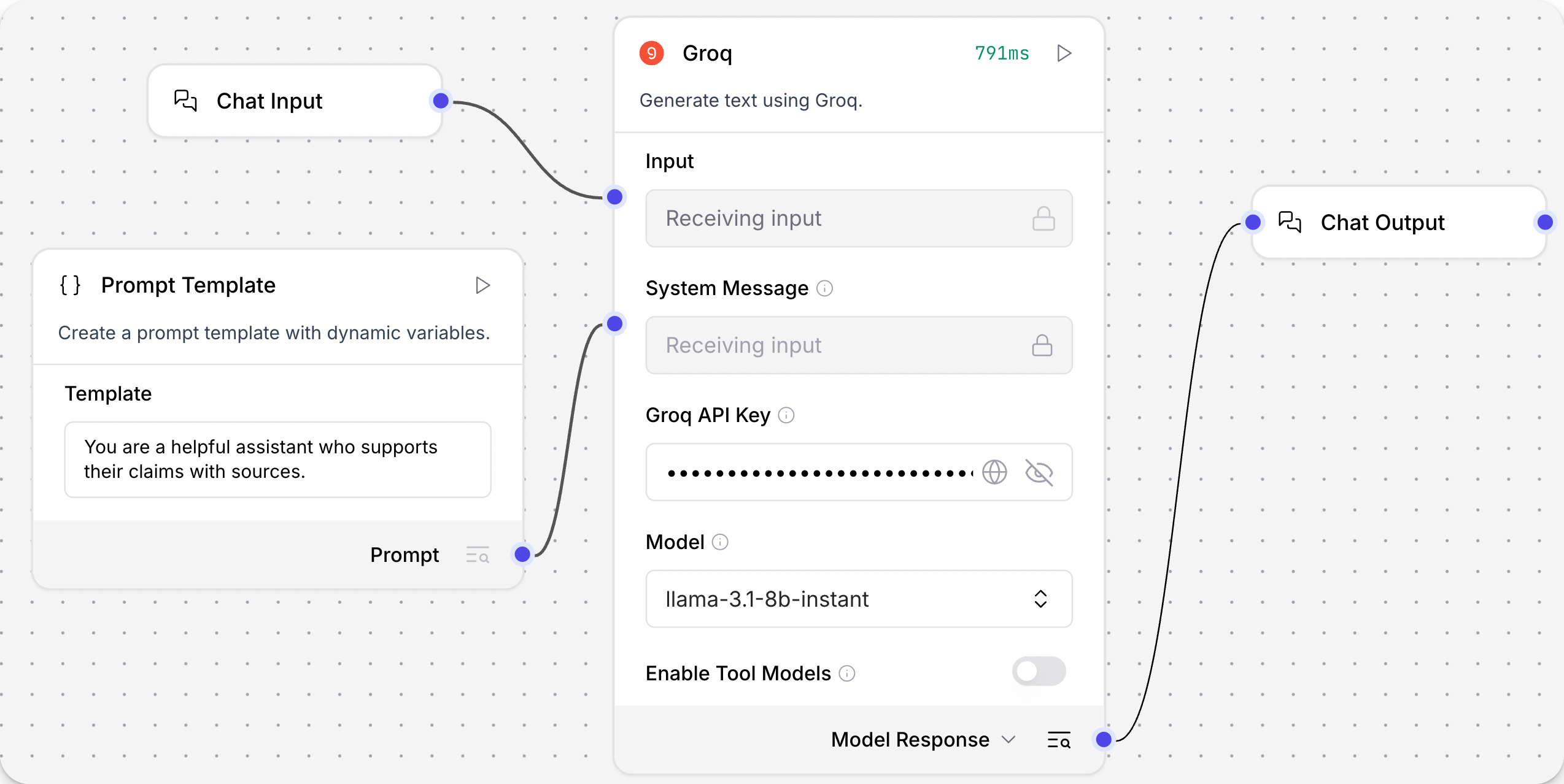
This component generates text using Groq's language models.
It can output either a Model Response (Message) or a Language Model (LanguageModel).
Specifically, the Language Model output is an instance of ChatGroq configured according to the component's parameters.
Use the Language Model output when you want to use a Groq model as the LLM for another LLM-driven component, such as an Agent or Smart Transform component.
For more information, see Language model components.
Groq text generation parameters
| Name | Type | Description |
|---|---|---|
| groq_api_key | SecretString | Your Groq API key. |
| groq_api_base | String | Base URL path for API requests. Default: https://api.groq.com. |
| max_tokens | Integer | The maximum number of tokens to generate. |
| temperature | Float | Controls randomness in the output. Range: [0.0, 1.0]. Default: 0.1. |
| n | Integer | Number of chat completions to generate for each prompt. |
| model_name | String | The name of the Groq model to use. Options are dynamically fetched from the Groq API after entering your API key and URL. To refresh your list of models, click Refresh. |
| tool_mode_enabled | Boolean | If enabled, the component only displays models that work with tools. |