LangSmith
LangSmith is a full-lifecycle DevOps service from LangChain that provides monitoring and observability. To integrate with SkillFlaw, add your LangChain API key and configuration as environment variables, and then start SkillFlaw.
-
Obtain your LangChain API key from https://smith.langchain.com
-
Set the following environment variables in your SkillFlaw
.envfile, replacingLANGCHAIN_API_KEYandLANGSMITH_PROJECT_NAMEwith your own values:_10LANGSMITH_TRACING=True_10LANGSMITH_ENDPOINT=https://api.smith.langchain.com/_10LANGSMITH_API_KEY=LANGCHAIN_API_KEY_10LANGSMITH_PROJECT=LANGSMITH_PROJECT_NAMEAlternatively, you can export the environment variables in your terminal instead of adding them to the
.envfile:_10export LANGSMITH_TRACING=True && export LANGSMITH_ENDPOINT="https://api.smith.langchain.com/" && export LANGSMITH_API_KEY="LANGCHAIN_API_KEY" && export LANGSMITH_PROJECT="LANGSMITH_PROJECT_NAME" -
Restart SkillFlaw with your modified
.envfile or from the terminal where you set your environment variables:_10skillflaw run --env-file .envIf you set the environment variables in your terminal, you can omit
--env-file. However, SkillFlaw can source environment variables from.envand your terminal. For more information, see Environment variables. -
Run a flow in SkillFlaw to generate some activity.
-
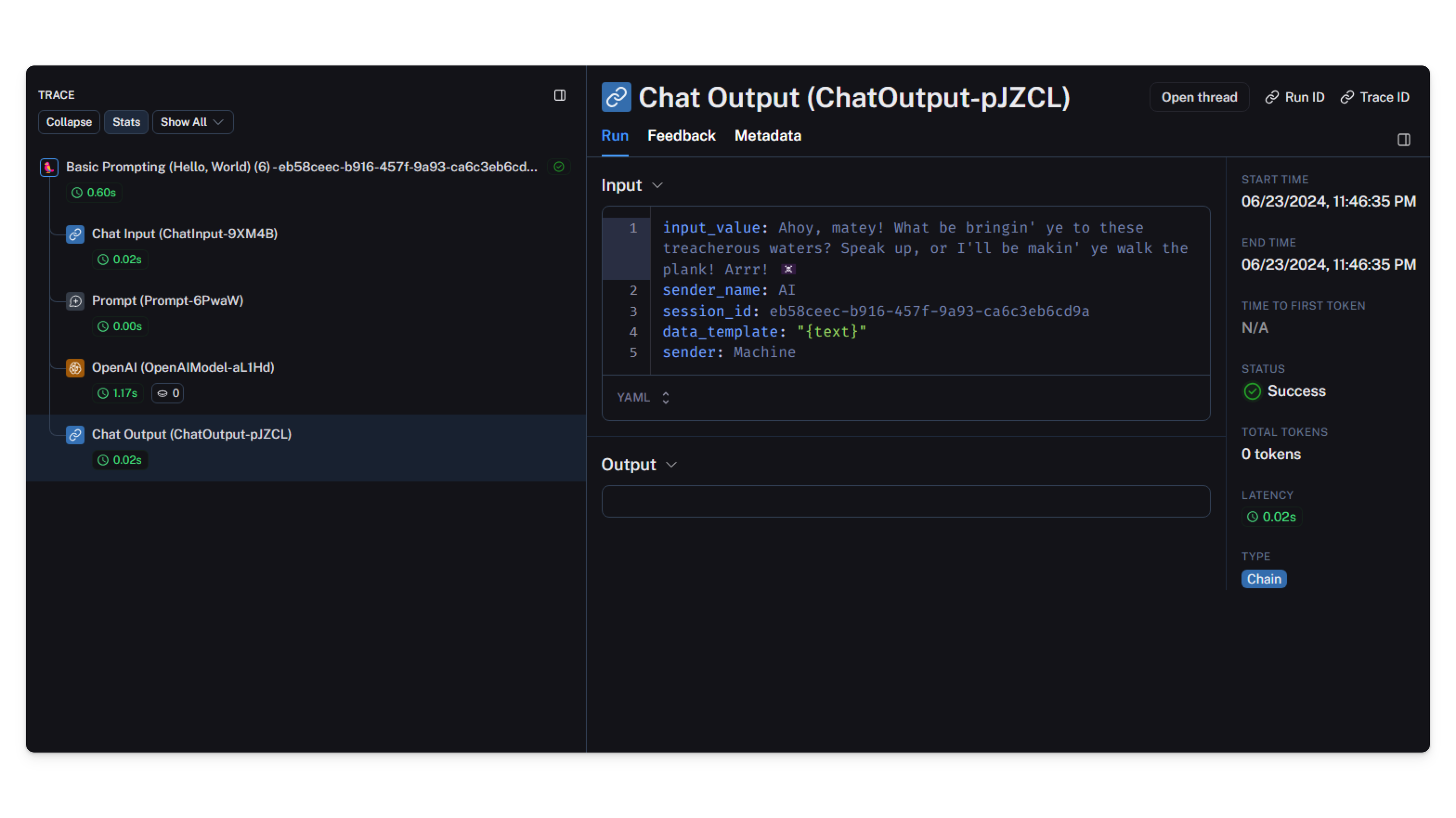
View the LangSmith dashboard for monitoring and observability.