Project integration manual
The Project Integration module is used to carry project-connection related capabilities and help users work around project access, collaboration, and integration scenarios.
Entry
Choose Project (Business) > Project (Business) Integration from the left navigation.
Feature overview
The Project Integration page is used to:
- open the project-integration entry page
- review the status information displayed on the page
Page example
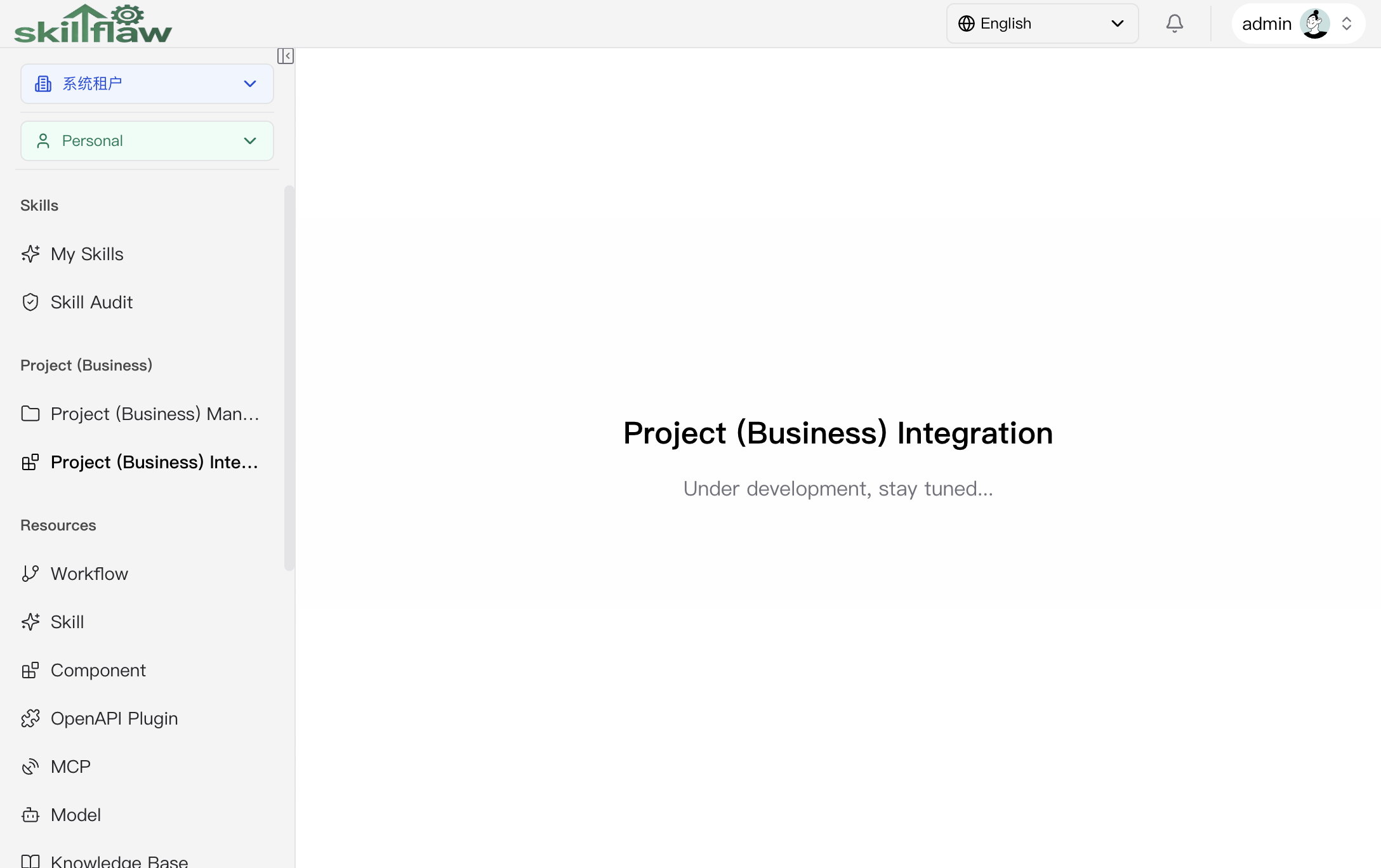
The screenshot above shows the Project (Business) > Project (Business) Integration page. The page displays the module heading and a status message in the main content area.
No additional tabs, filter areas, or action buttons are displayed on this page. After entering the module, users can confirm the page entry and review the status information shown by the interface, but no further operation areas are displayed.
Recommendations
Before using this module, confirm the target project scope, business context, and the related integration conditions.