Business domain manual
The Business Domain module is used to maintain business-domain structures and business ownership information under a tenant, providing a unified entry for resource-scope control and business collaboration.
Entry
Choose Management > Business Domain from the left navigation.
Feature overview
The Business Domain page is commonly used to:
- browse the business-domain tree
- query and filter business-domain data
- review business-domain base information
- perform business-domain management actions provided by the page
Page example
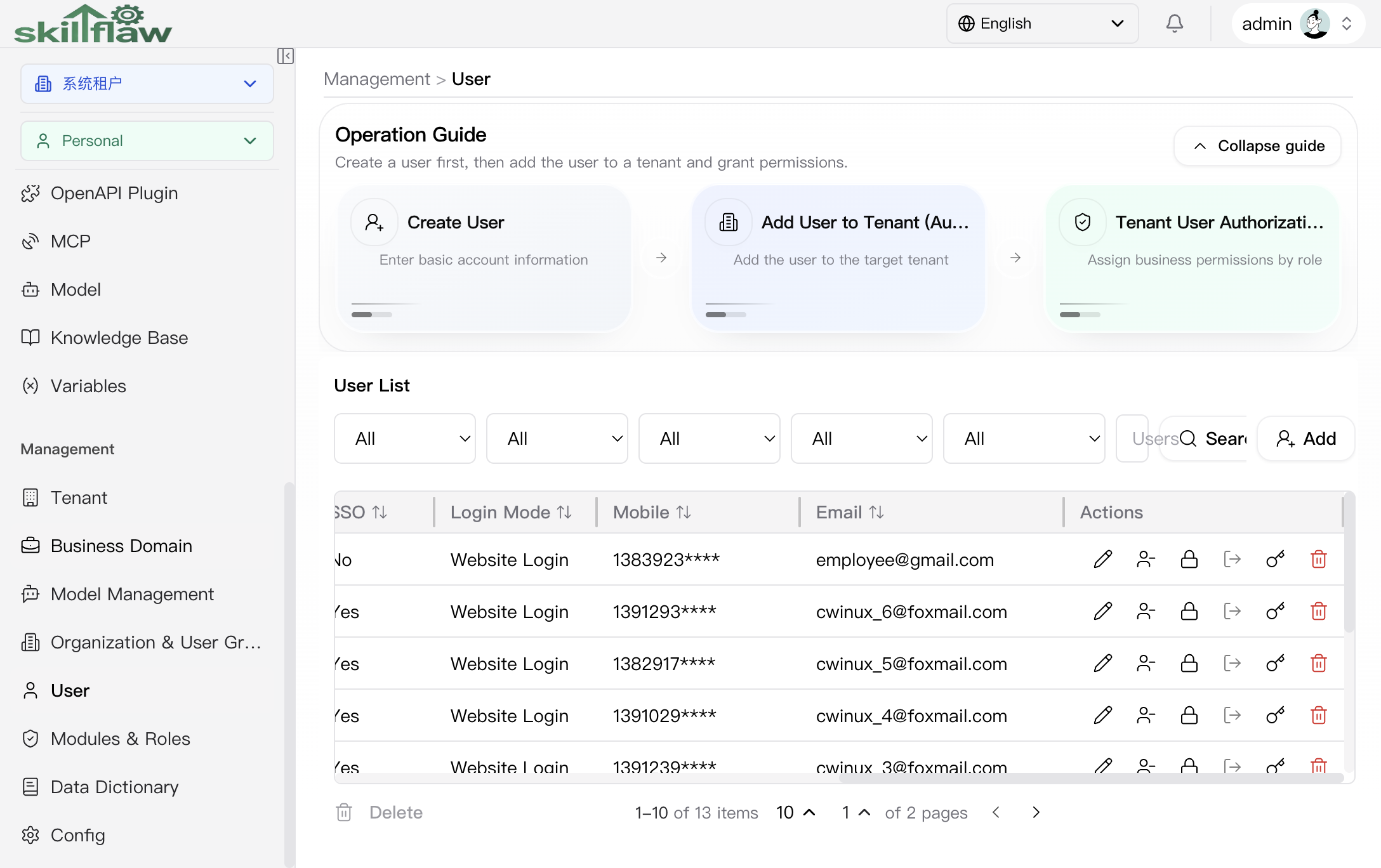
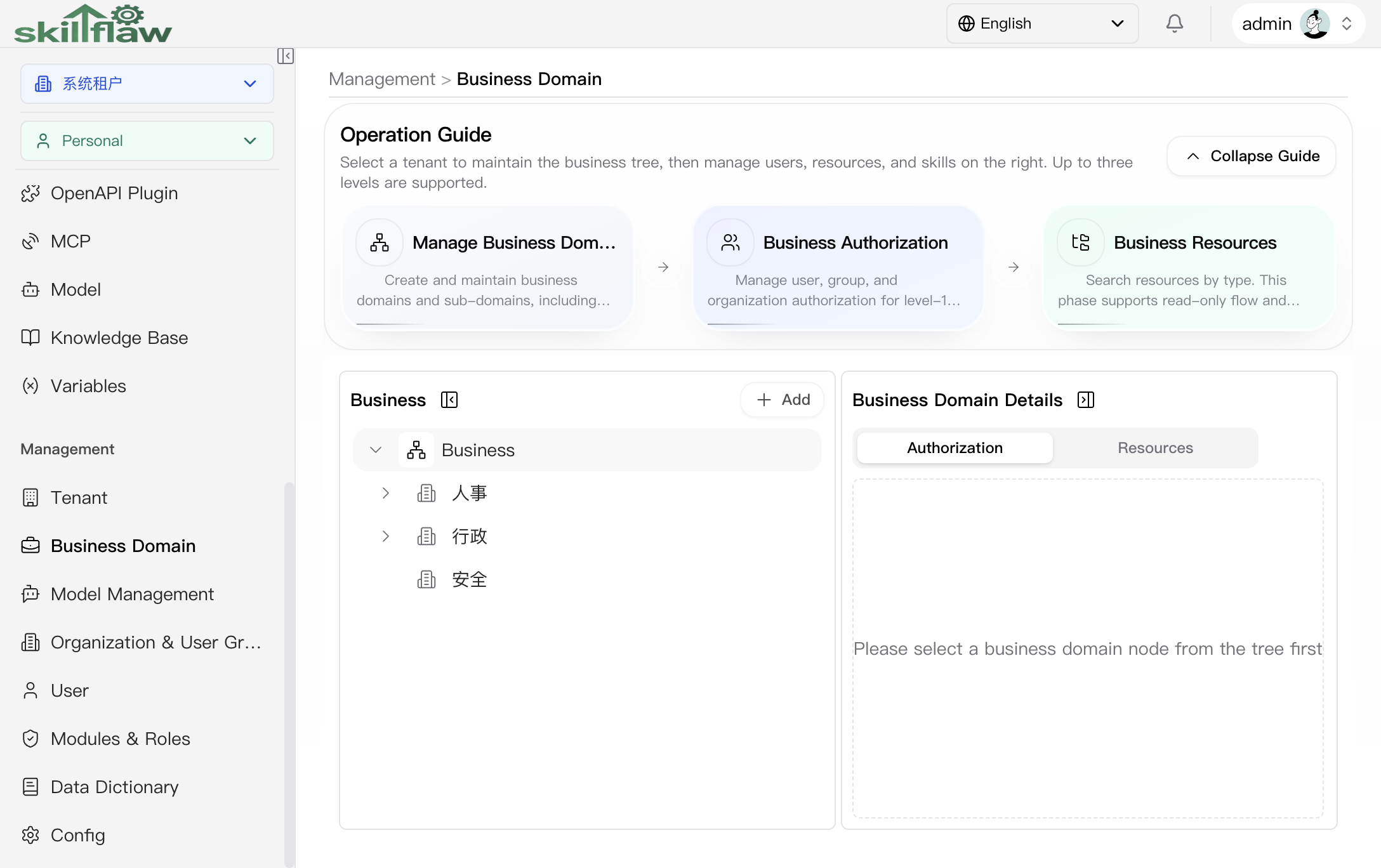
The screenshot above shows the Management > Business Domain home page. The operation guide explains that you first select a tenant to maintain the business tree and then manage users, resources, and skills on the right side. In the example shown here, the business tree is presented in a three-level structure.
The guide highlights these entries:
- Manage Business Domains
- Business Authorization
- Business Resources
The main area is arranged in two columns:
- the left side shows the business-domain tree used to locate a target node
- the right side shows the business-domain details area used to review authorization or resources for the selected node
The page provides two levels of tabs in the details area:
- top-level tabs: Authorization, Resources
- under Authorization: Users, Groups, Organizations
When no business-domain node is selected from the tree, the right side shows the prompt Please select a business domain node from the tree first before loading the detailed content.
Authorization > Users
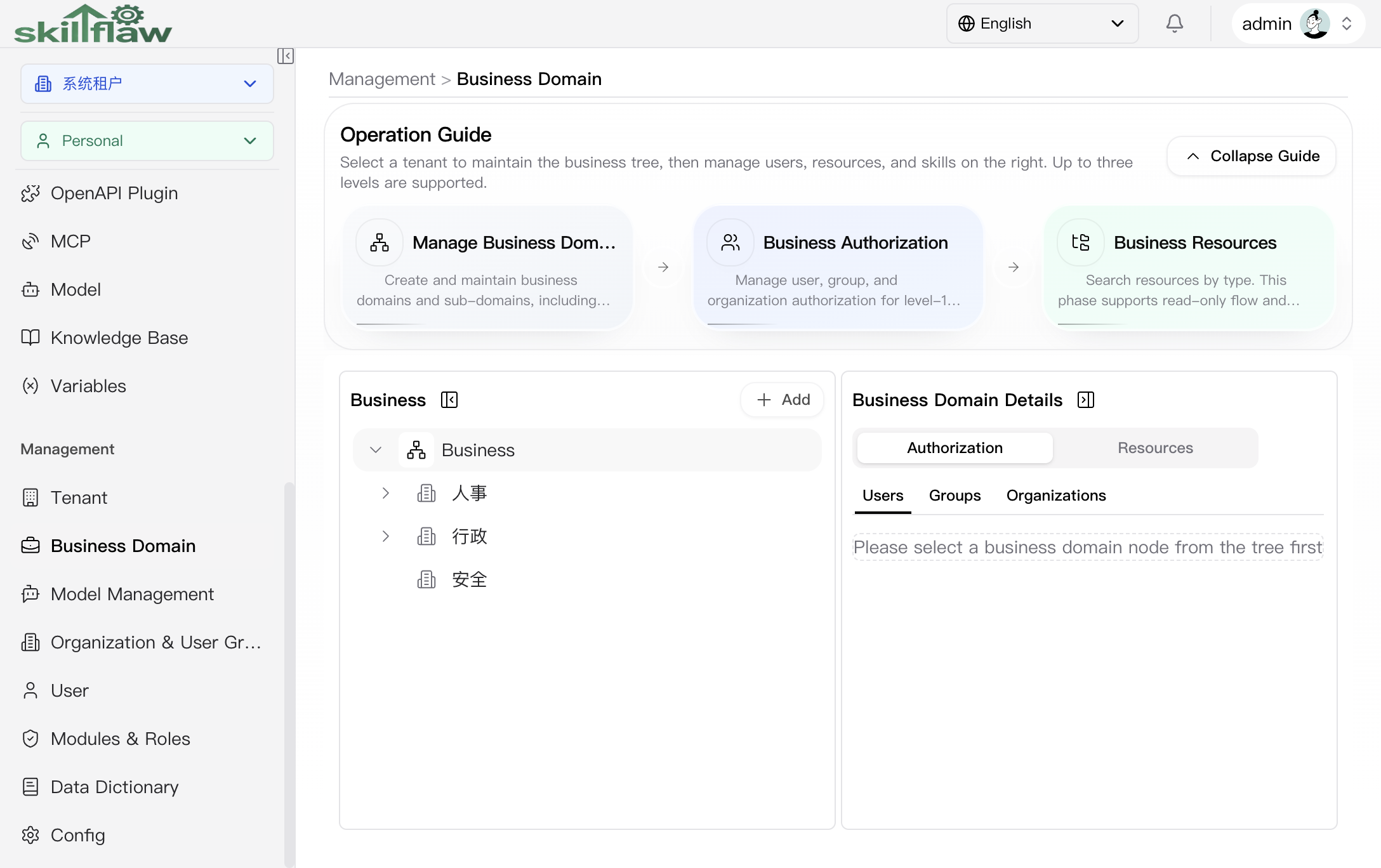
The Authorization > Users tab is used to review or maintain user authorization for a business domain. The page clearly requires you to select a target node from the business-domain tree first. Before a node is selected, the right side only shows the prompt and does not display an authorization list.
Authorization > Groups
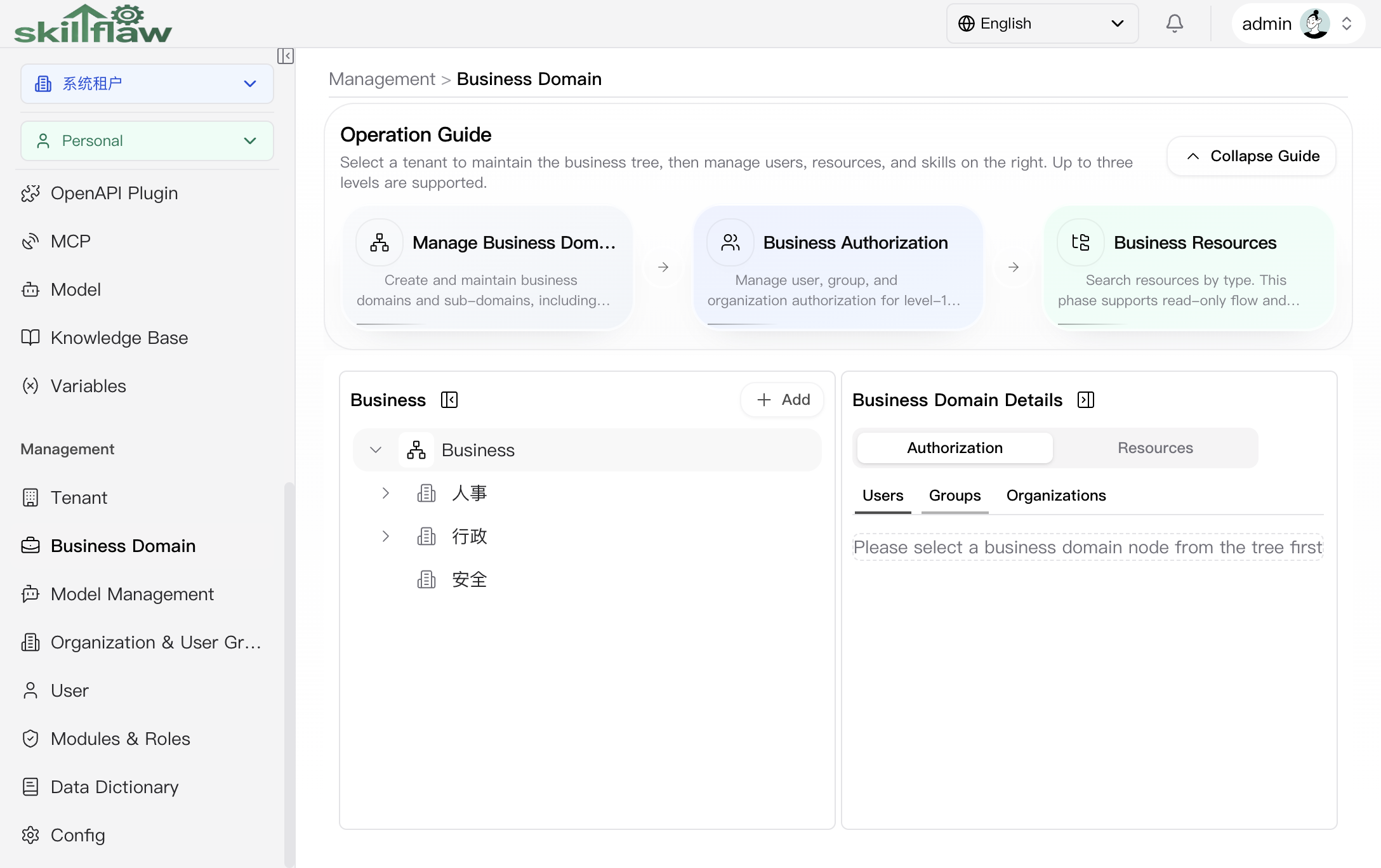
The Authorization > Groups tab is used to maintain business-domain authorization by user-group dimension. Like the Users tab, the page loads the related data and actions only after a concrete business-domain node has been selected.
Authorization > Organizations
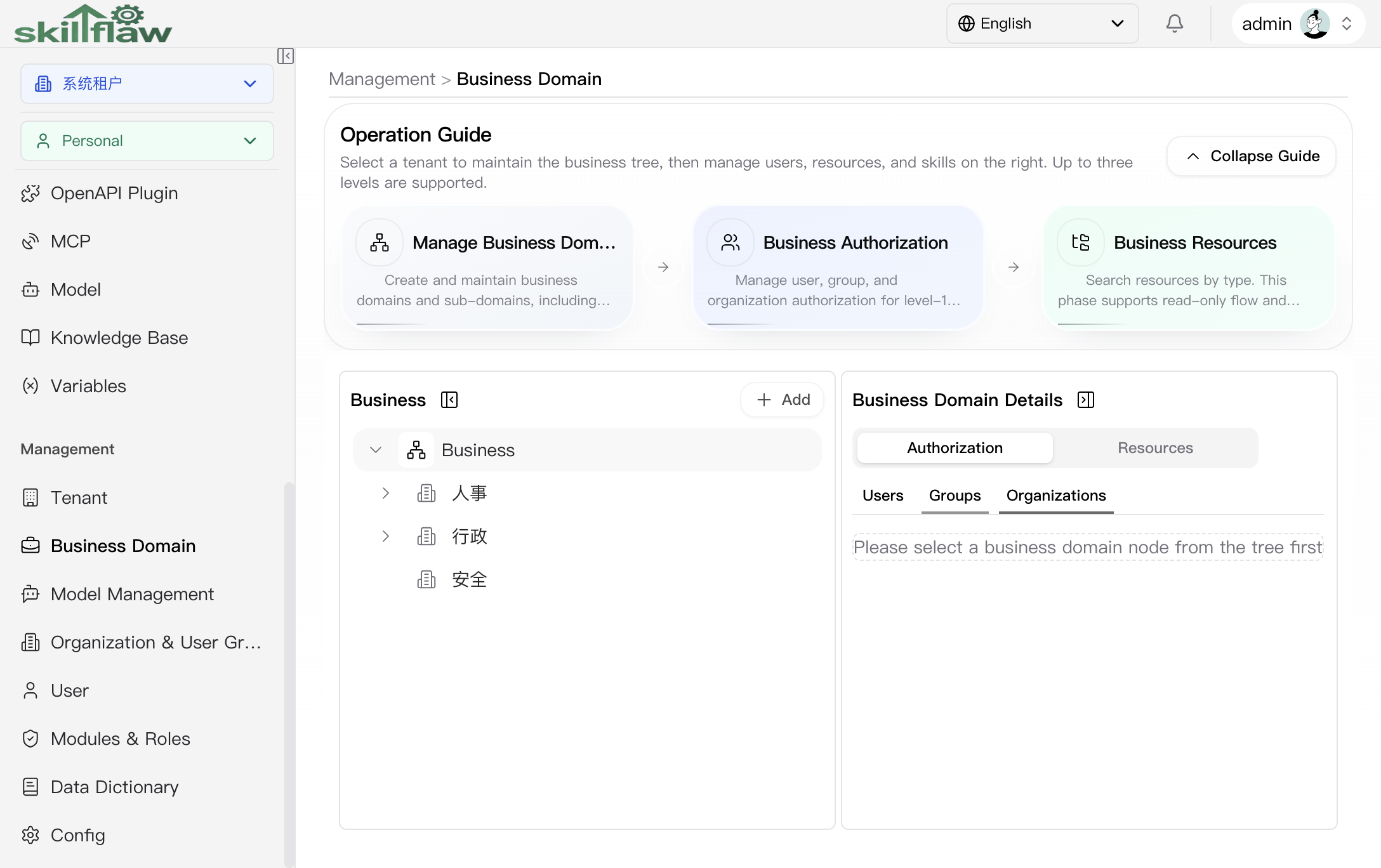
The Authorization > Organizations tab is used to review or maintain business-domain authorization by organization dimension. According to the guide text on the page, this area is used to manage organization authorization for level-1 business domains and can include sub-organization scope when needed.
Resources
The Resources tab is used to review resource ownership under the selected business domain by resource type. The guide text on the page states that this view supports read-only flow and variable queries. As with the authorization area, you must select a node from the tree before the right-side details can be reviewed.
Recommendations
Before maintaining business domains, confirm the current tenant scope and the business-domain hierarchy so actions are performed in the correct range.