Organization and user groups manual
The Organization & User Groups module is used to maintain organization structures, user-group information, and their related membership data, providing a unified entry for authorization setup and member management.
Entry
Choose Management > Organization & User Groups from the left navigation.
Feature overview
The Organization & User Groups page is commonly used to:
- browse organization and user-group data
- query and filter target objects
- review organization or user-group base information
- perform organization and user-group management actions provided by the page
Page example
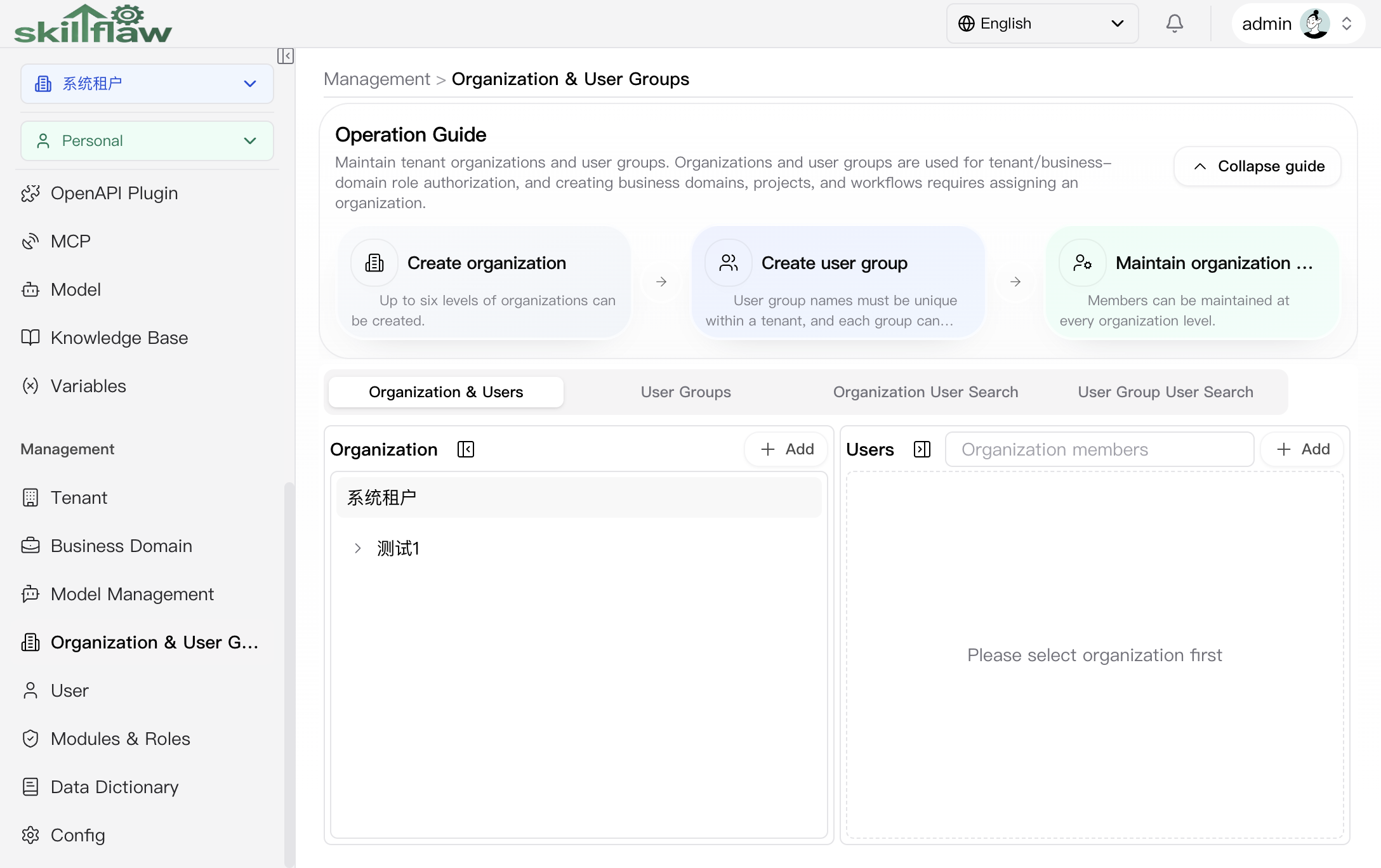
The screenshot above shows the Management > Organization & User Groups home page. The upper guide area summarizes the main tasks of this module, including Create organization, Create user group, and Maintain organization members, so users can quickly enter organization-governance operations.
The lower area organizes different views by tabs. The currently visible tabs include:
- Organization & Users: browses the organization tree and maintains organization members.
- User Groups: maintains user-group information under the tenant.
- Organization User Search: searches members by organization dimension.
- User Group User Search: searches members by user-group dimension.
In the default Organization & Users view, the left side shows the organization list and add entry, while the right side is used to carry the member or related information of the selected organization.
User Groups
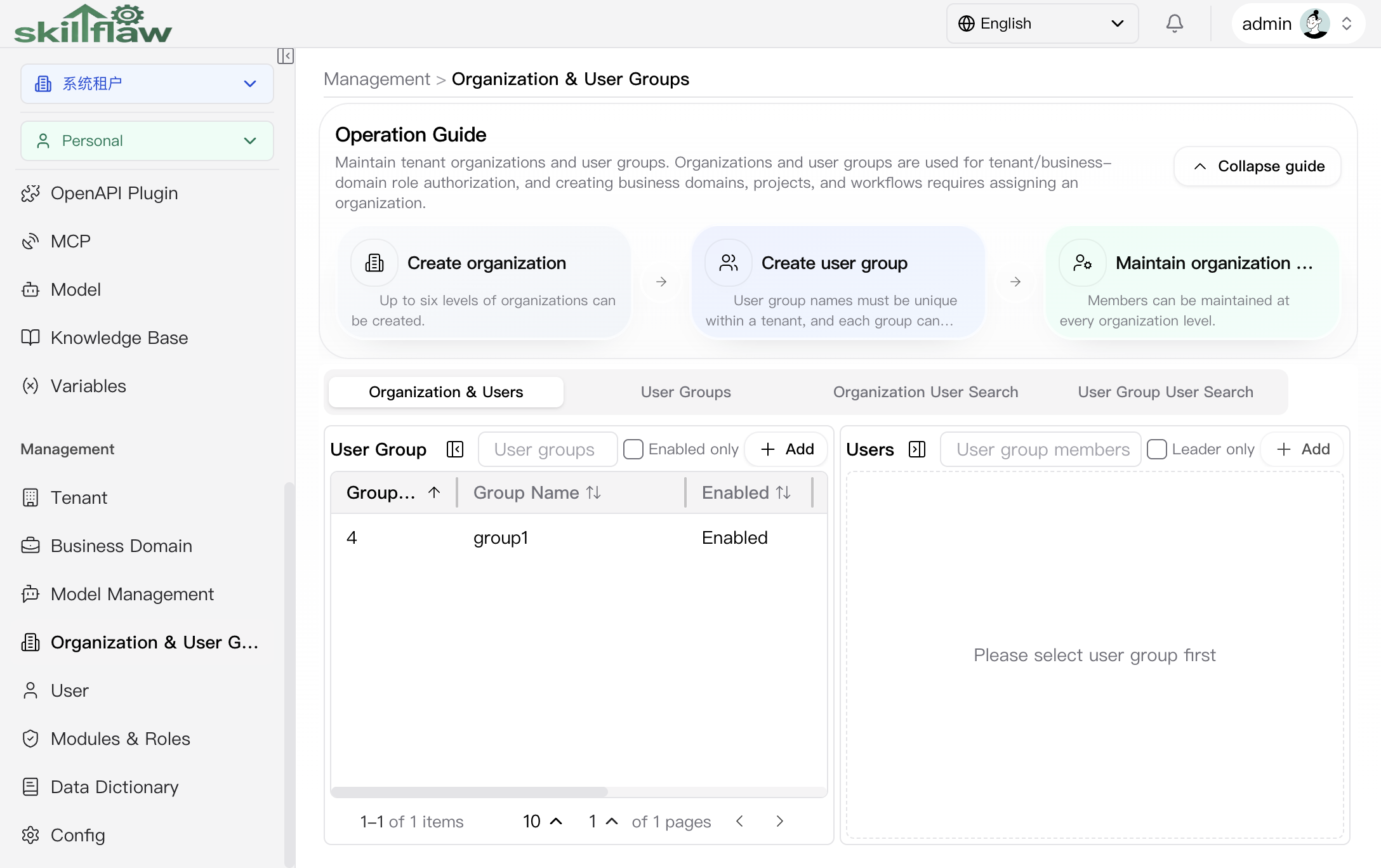
The User Groups tab is used to maintain tenant user groups and their members. The upper area maintains the user-group list, and the lower area shows members of the selected group. When no user group has been created or no target group has been selected, the page shows the corresponding empty state.
Organization User Search
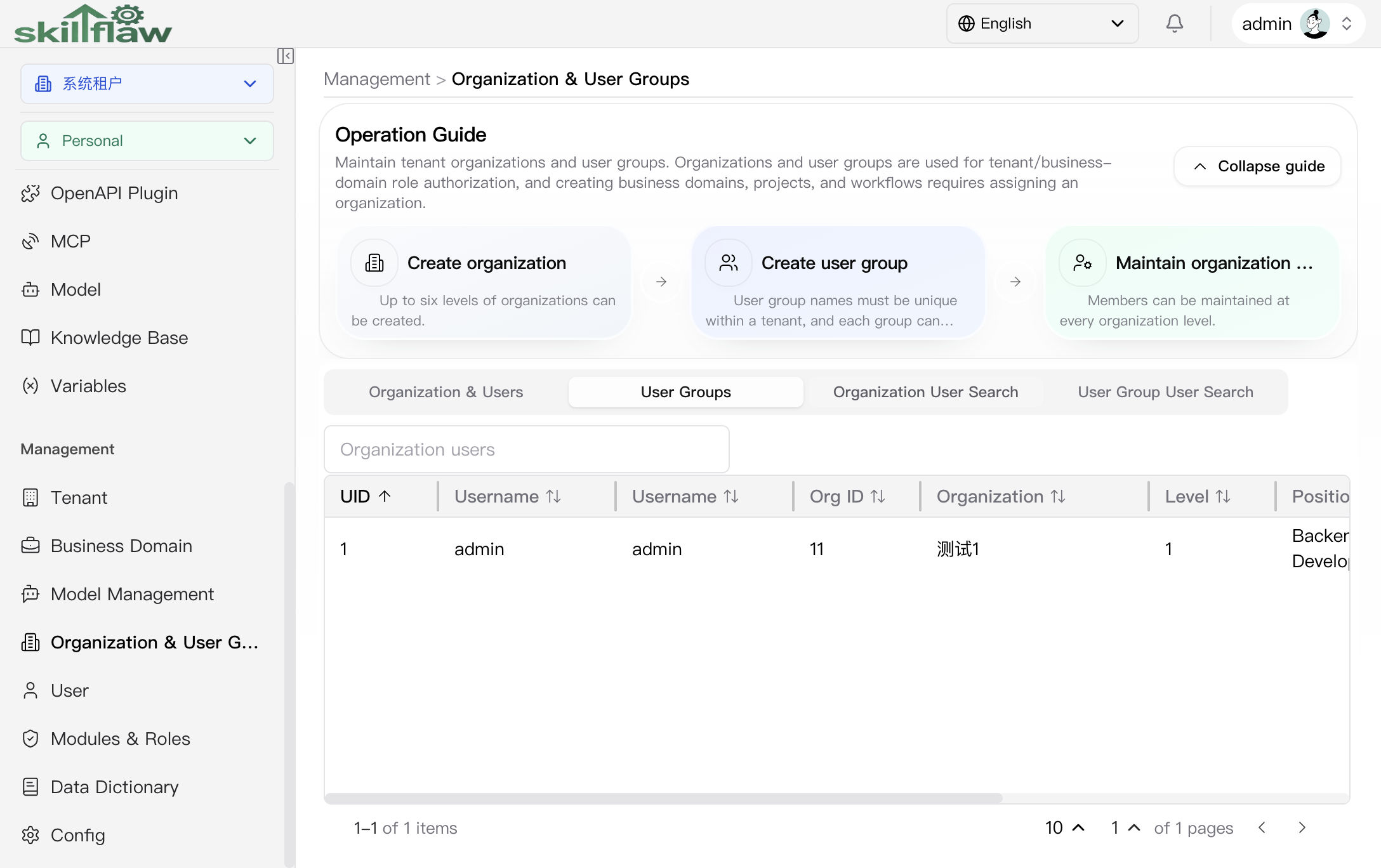
The Organization User Search tab is used to review members across organizations. The current list is suitable for quickly checking organization ownership information such as UID, username, organization ID, organization, level, position, job, and leader status.
Organization User Details dialog
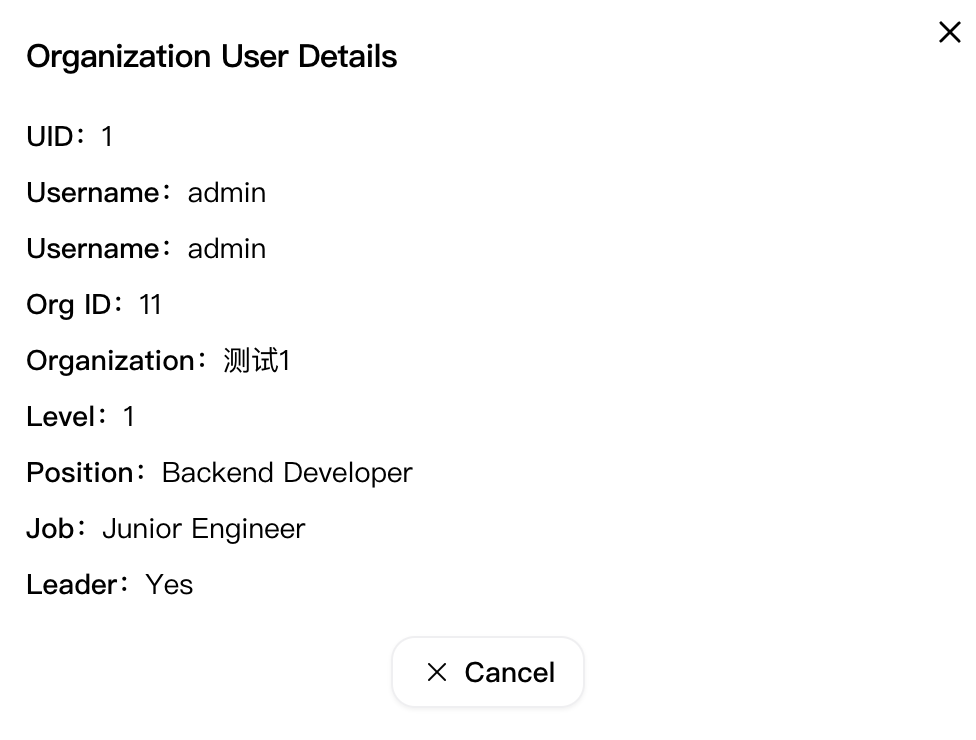
Click View for a member record on the Organization User Search tab to open the Organization User Details dialog. This dialog is used to review the complete base information of an organization member in read-only mode.
The dialog currently shows these key fields:
- UID
- Username
- Org ID
- Organization
- Level
- Position
- Job
- Leader
The footer provides Cancel and Close actions so you can return to the search list after review.
User Group User Search
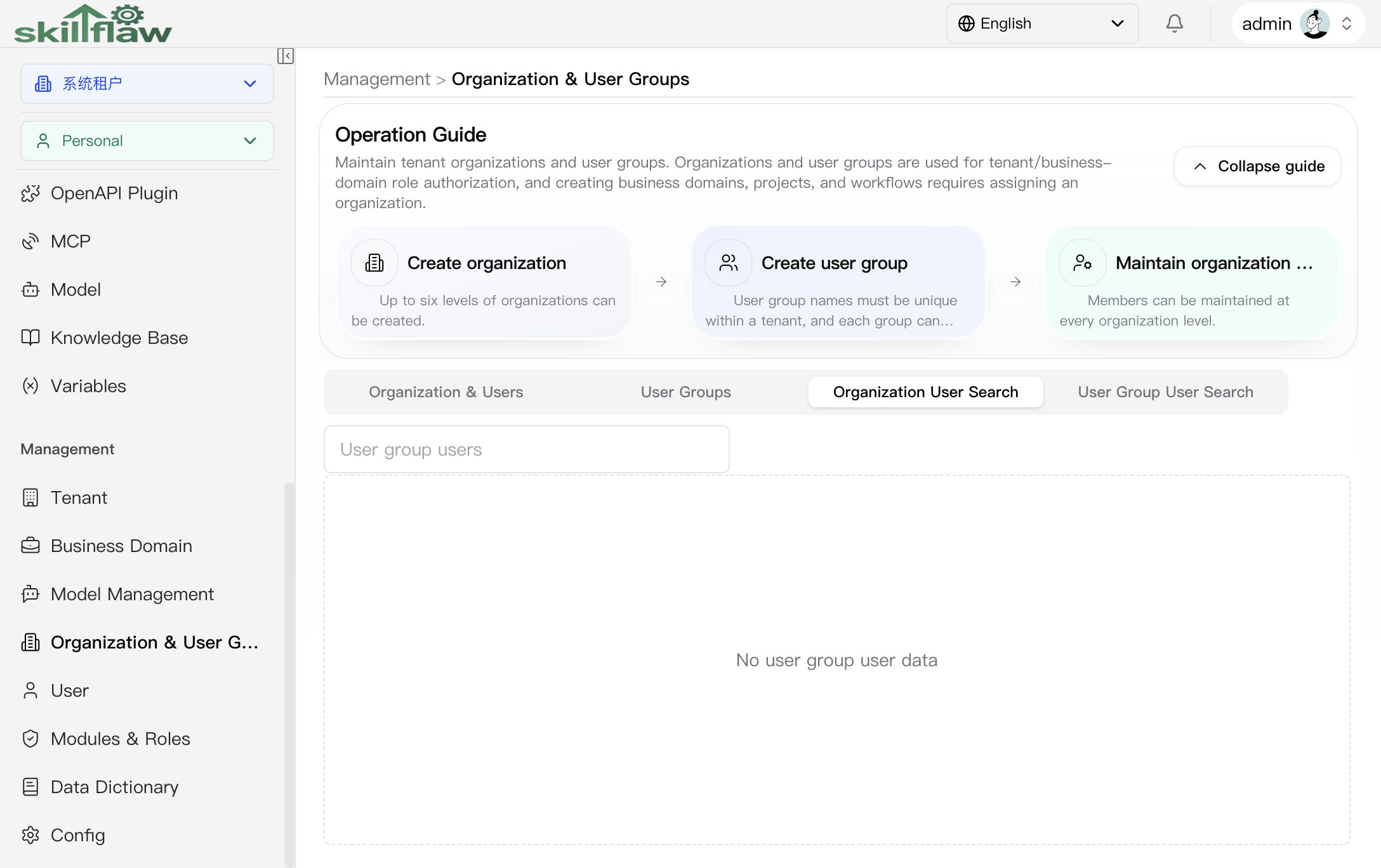
The User Group User Search tab is used to query members by user-group dimension. When the current tenant does not yet have corresponding user-group member data, the page shows an empty-state message so you can quickly determine whether the relationship has already been created.
Recommendations
Before maintaining organizations, confirm the organization hierarchy, member ownership, and authorization scope, and then complete the required operations through the page entries.