Component manual
The Component module is used to manage reusable component resources, including browsing, maintenance, and reuse in workflow scenarios.
Entry
Choose Resources > Component from the left navigation.
Page overview
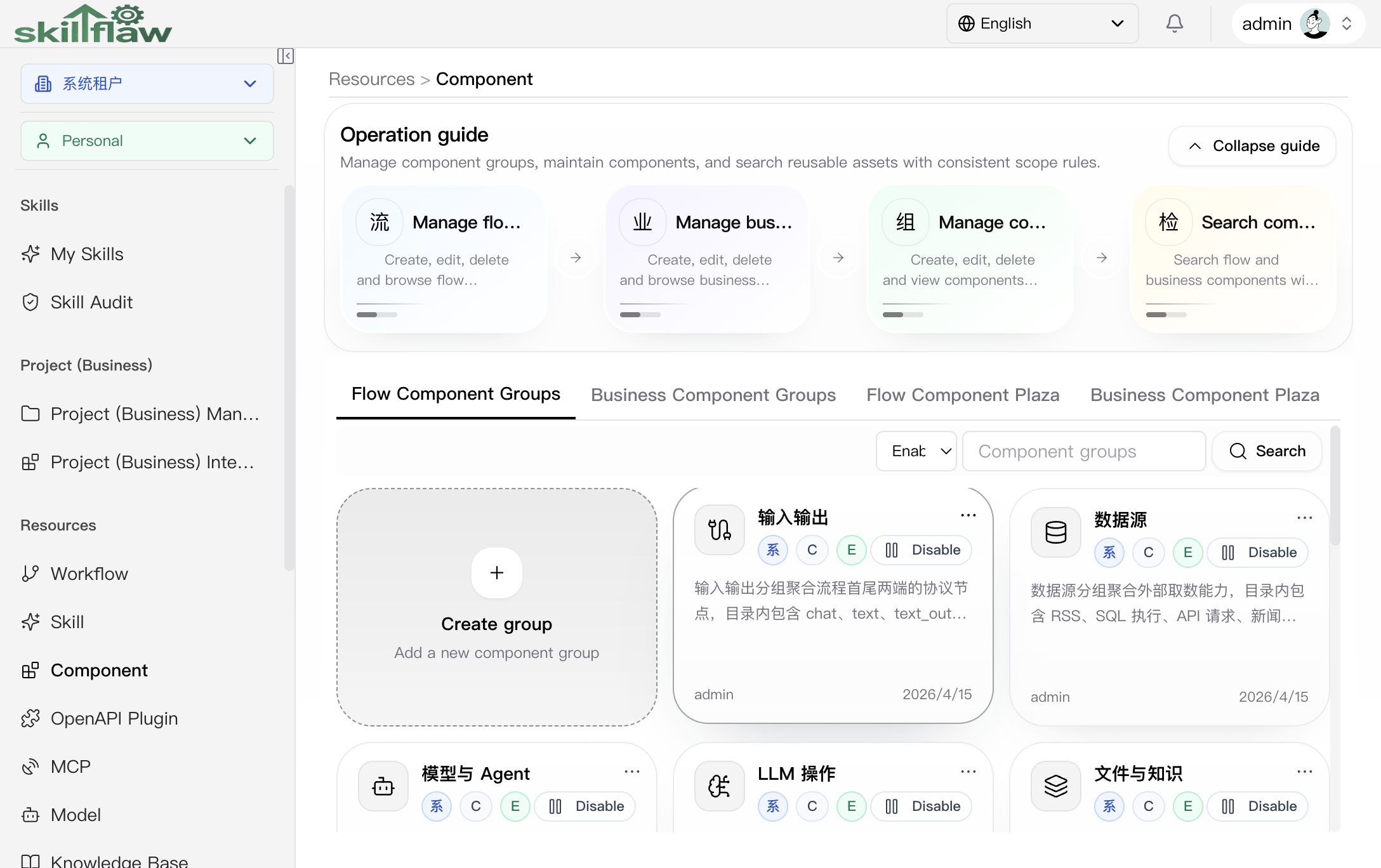
The Component page is used to manage flow component groups, business component groups, and cross-scope component search results in one place. The top area contains an operation guide that explains group management, component maintenance, and search entry points. Below that guide, the page provides four main tabs:
- Flow Component Groups
- Business Component Groups
- Flow Component Plaza
- Business Component Plaza
Flow Component Groups
The Flow Component Groups tab shows the current list of flow component groups and supports filtering by group status and keyword. Each group card shows the group name, visibility scope, access type, status, description, creator, and time information.
Click any group card to enter that group's detail area and continue browsing the components under it.
Business Component Groups
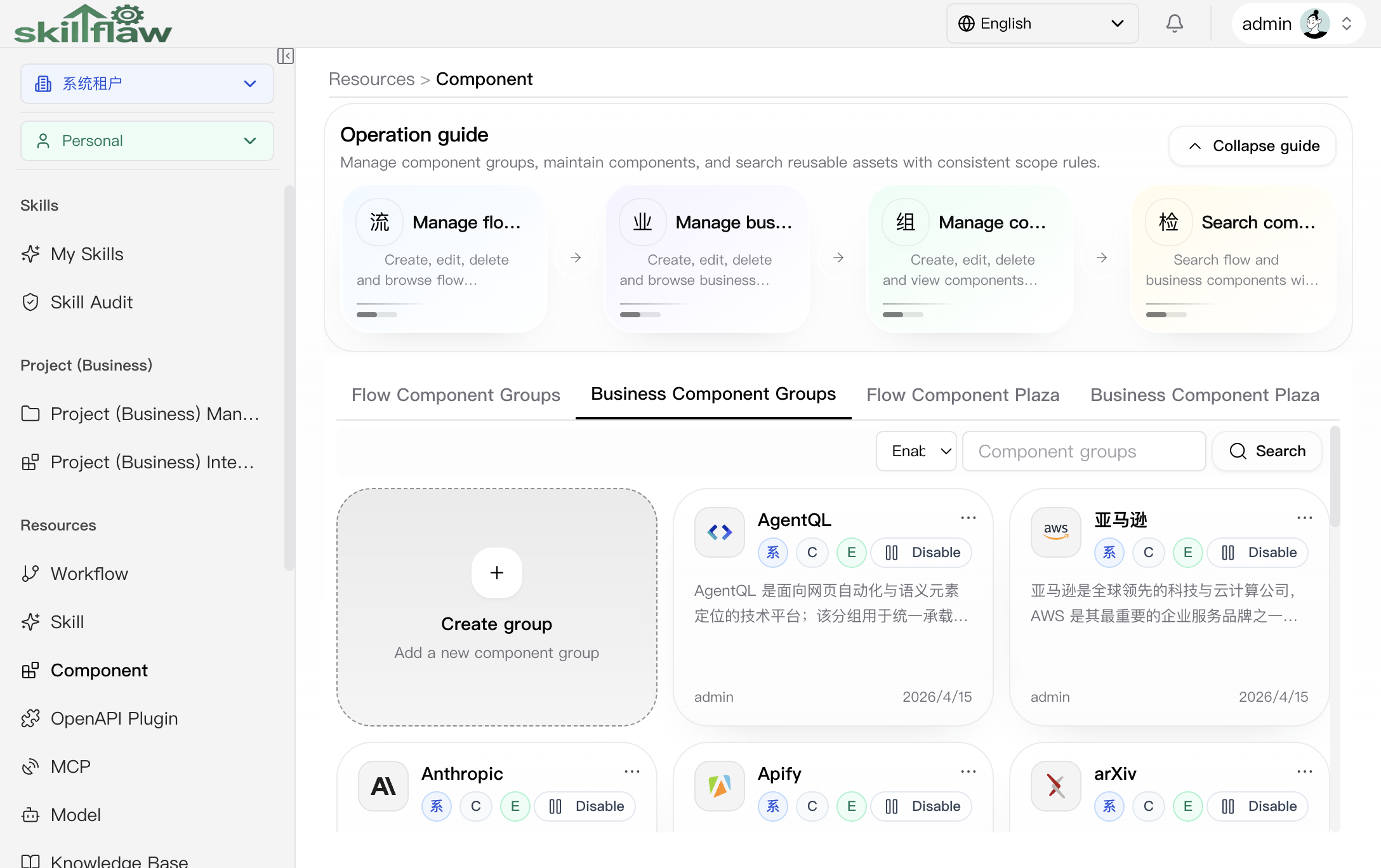
The Business Component Groups tab is used to manage business component groups in the same way. This tab is suitable for organizing components related to business scenarios and entering group details through group cards.
Flow Component Plaza
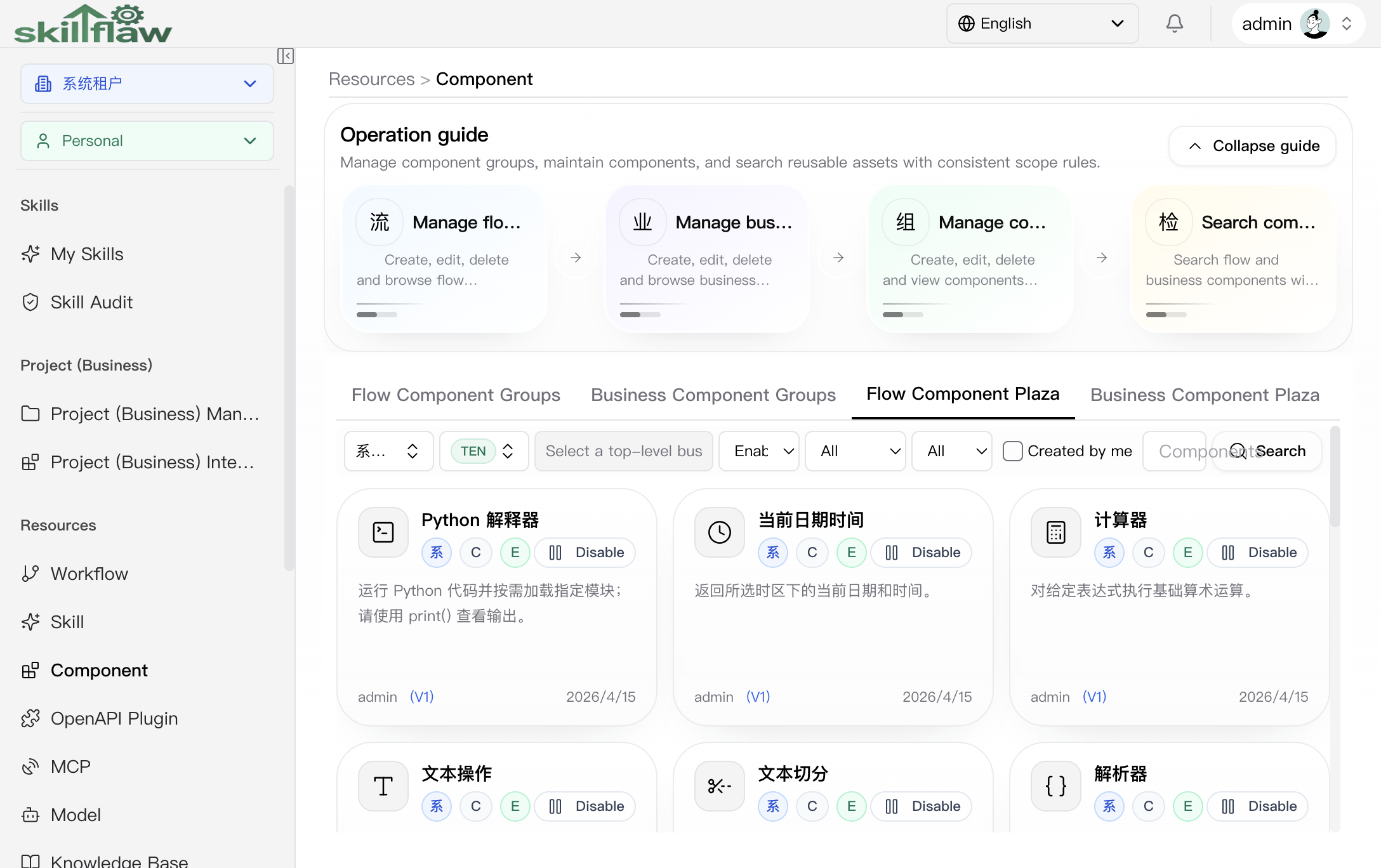
The Flow Component Plaza tab is used to search flow components across scopes. The filter area supports combined queries by:
- Tenant
- Scope
- Business domain
- Access type
- Enable / disable status
- Legacy status
- Only mine
- Keyword
Search results are displayed as component cards, which makes this tab suitable for locating reusable flow components in the current context.
Business Component Plaza
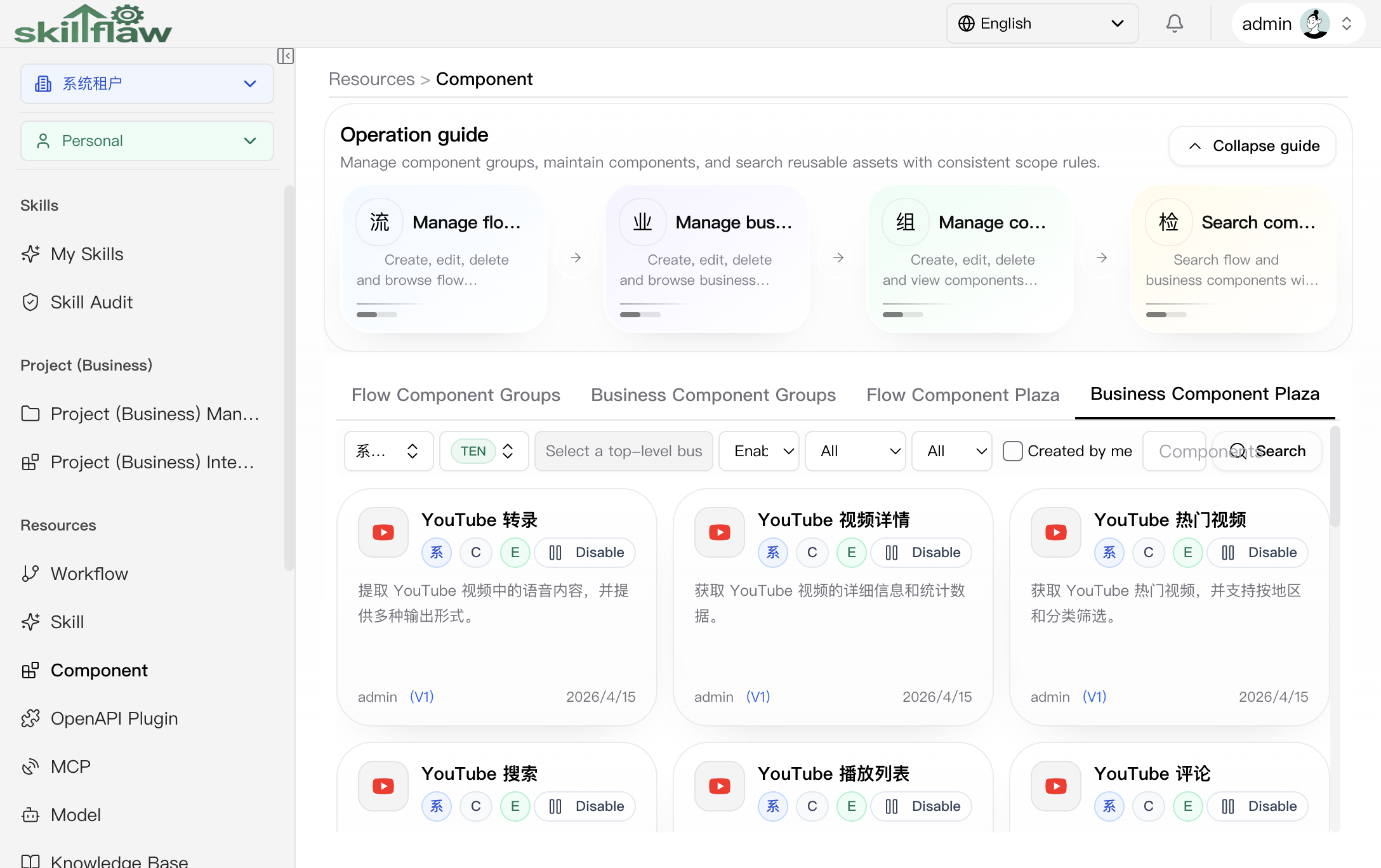
The Business Component Plaza tab is used to search business components across scopes. The filtering method is the same as the flow component plaza, but the results focus on business component resources for business orchestration scenarios.
Feature overview
The Component page is commonly used to:
- query and filter components
- browse component results
- inspect component information and related content
- perform management actions provided by the page
Recommendations
Before using a component, confirm its applicable scope, access rules, and current business context.