Knowledge base manual
This page describes the knowledge base workflow exposed to users in SkillFlaw. It covers the management and plaza tabs, provider management, and knowledge item lifecycle actions available in the product interface.
Entry points
Users enter knowledge-base functionality through the main Knowledge base menu. The page has two top-level tabs:
- Management for provider and knowledge maintenance
- Plaza for cross-scope readable knowledge browsing
Interface screenshot
The following screenshot shows the knowledge-base entry page with the management / plaza tabs and the provider card area.
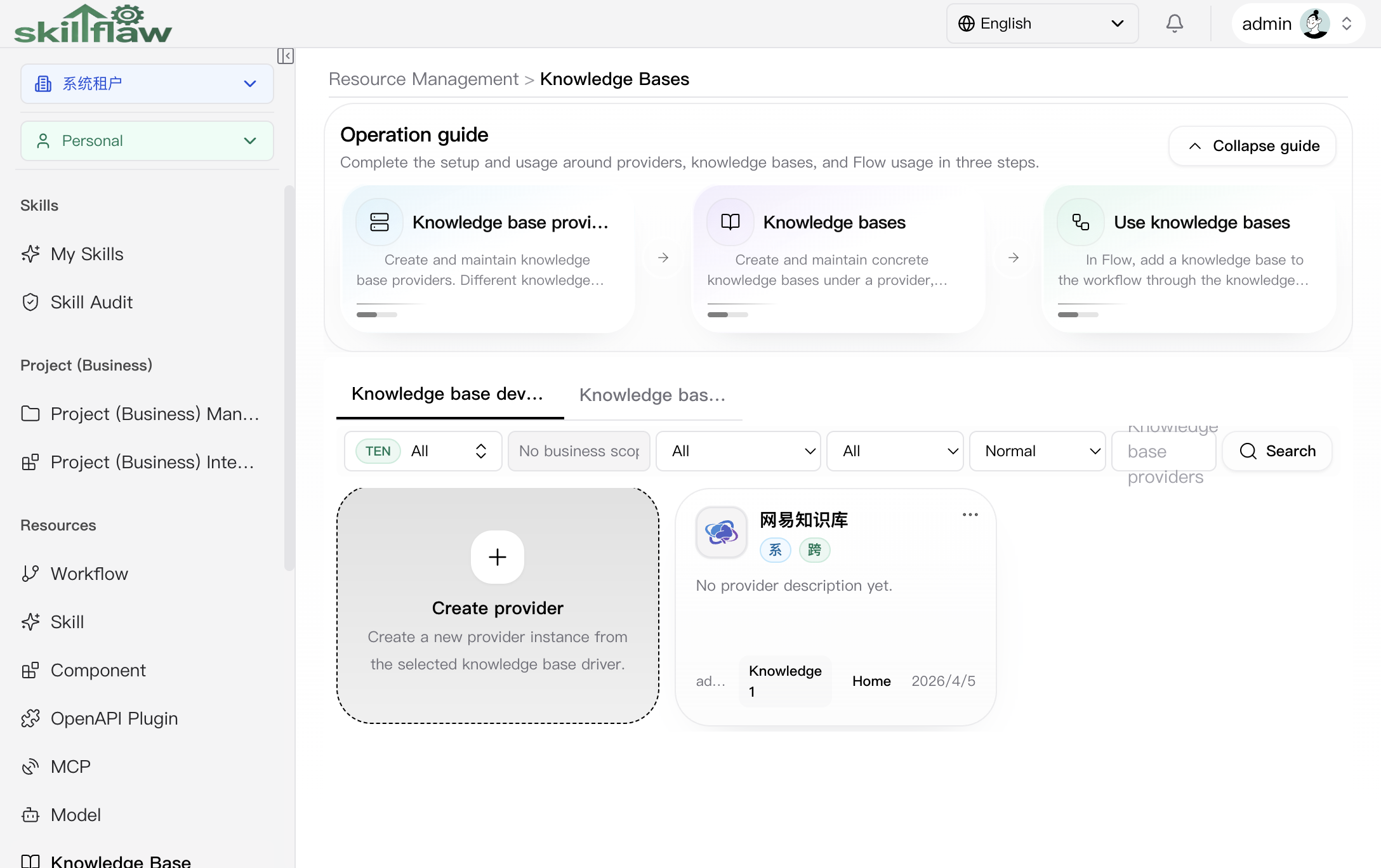
The management landing view is shown below. This is the provider management workspace under the management tab.
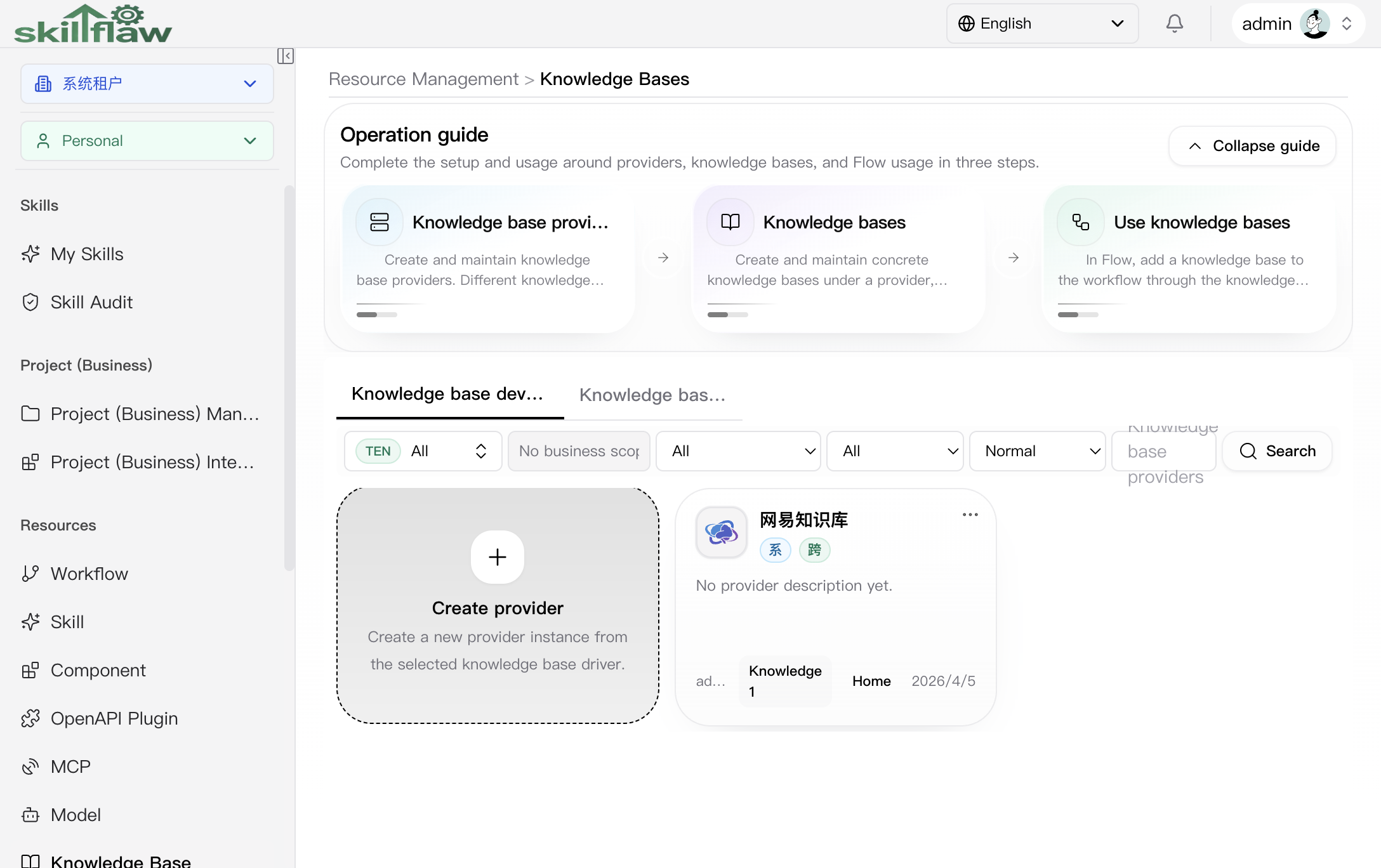
What this screen shows:
- the Management / Plaza tab switch
- the provider filter area for scope and business-domain related filtering
- the provider card list used as the first-step container selection
- the Create provider entry that must be completed before creating knowledge items under a provider
The page does not present a flat list of all knowledge items. Users first manage or select a provider, and then enter the provider-scoped knowledge item list.
Management tab
The management tab is the main workspace for maintaining knowledge resources. Its flow is centered on two layers:
- Providers
- Knowledge items under the selected provider
Provider operations
Providers act as the container for knowledge items. User actions include:
- create a provider
- edit provider metadata
- open provider details
- delete a provider
Provider scope is selected explicitly and follows the real resource scope model:
- tenant
- business domain
- personal
The real Create provider dialog is shown below.
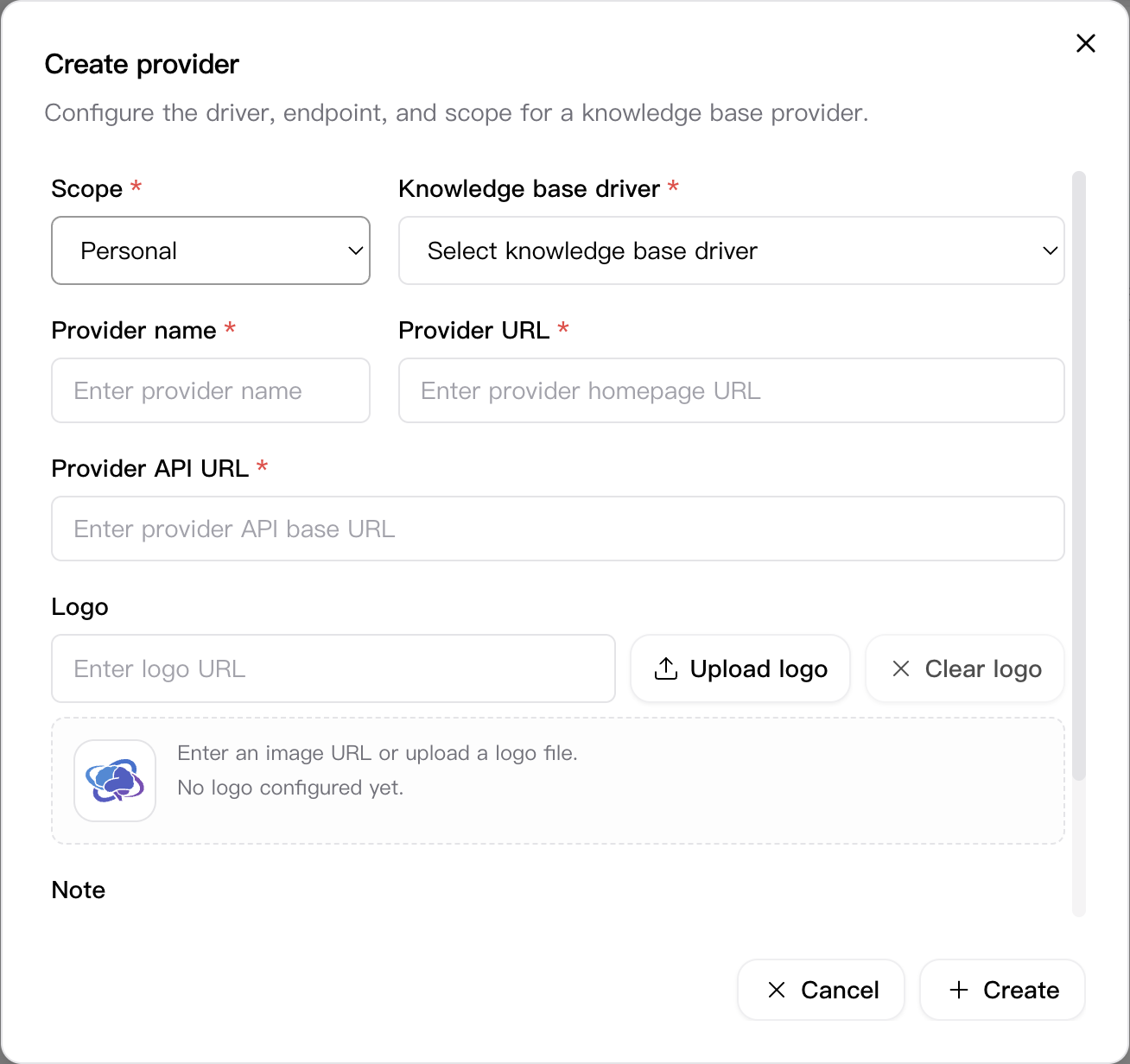
Visible fields in this dialog include:
- Scope
- Knowledge base driver
- Provider name
- URL
- API URL
- Logo
- Note
Important behavior:
- provider creation is an explicit modal flow, not an inline table edit
- scope is chosen directly in the dialog and determines the resource ownership boundary
- driver selection is required before the provider can be saved
- provider metadata is captured before users can continue into provider-specific knowledge item maintenance
Provider creation and editing are permission-controlled. A provider can be edited or deleted only when the user has the required write permission and the active write tenant matches the resource tenant.
Knowledge item operations
A knowledge item is created inside a selected provider. User actions include:
- create a knowledge item under the selected provider
- edit a knowledge item
- view knowledge details
- publish a knowledge item
- offline a published knowledge item
- delete a knowledge item
- restore a deleted knowledge item
Important page behavior:
- users must select a provider before creating a knowledge item
- deleted providers block new knowledge creation inside that provider
- deleted knowledge must be restored before editing or publishing again
- online knowledge must be taken offline before delete becomes available
Filters and scope behavior
The management tab exposes filters for:
- scope
- business domain
- driver / provider type
- access type
- online status
- deleted status
- keyword
The page distinguishes between resource scope and page context. Business-domain filtering is derived from the business tree, and write actions are not decided by local tenant comparison alone.
Plaza tab
The plaza tab is the read-oriented browsing surface. It is used to discover knowledge items that are readable in the applicable visibility model.
Available filters include:
- tenant
- scope
- business domain
- provider
- access type
- keyword
Plaza browsing is read-focused. Users open knowledge details from cards, but create / edit / delete actions remain in the management tab.
Permissions and boundaries
Knowledge-base operations follow the platform permission and scope rules:
- create / edit / delete / publish / offline / restore all rely on permission checks
- write actions are additionally blocked when the current write tenant does not match the resource tenant
- system-tenant resources require switching into the system tenant before write actions become available
- plaza and detail reading reuse the resource's own readable scope rather than a stricter page-local fallback